
Author: Francisco
You are viewing: Public posts only. Please log in to see student posts.
-
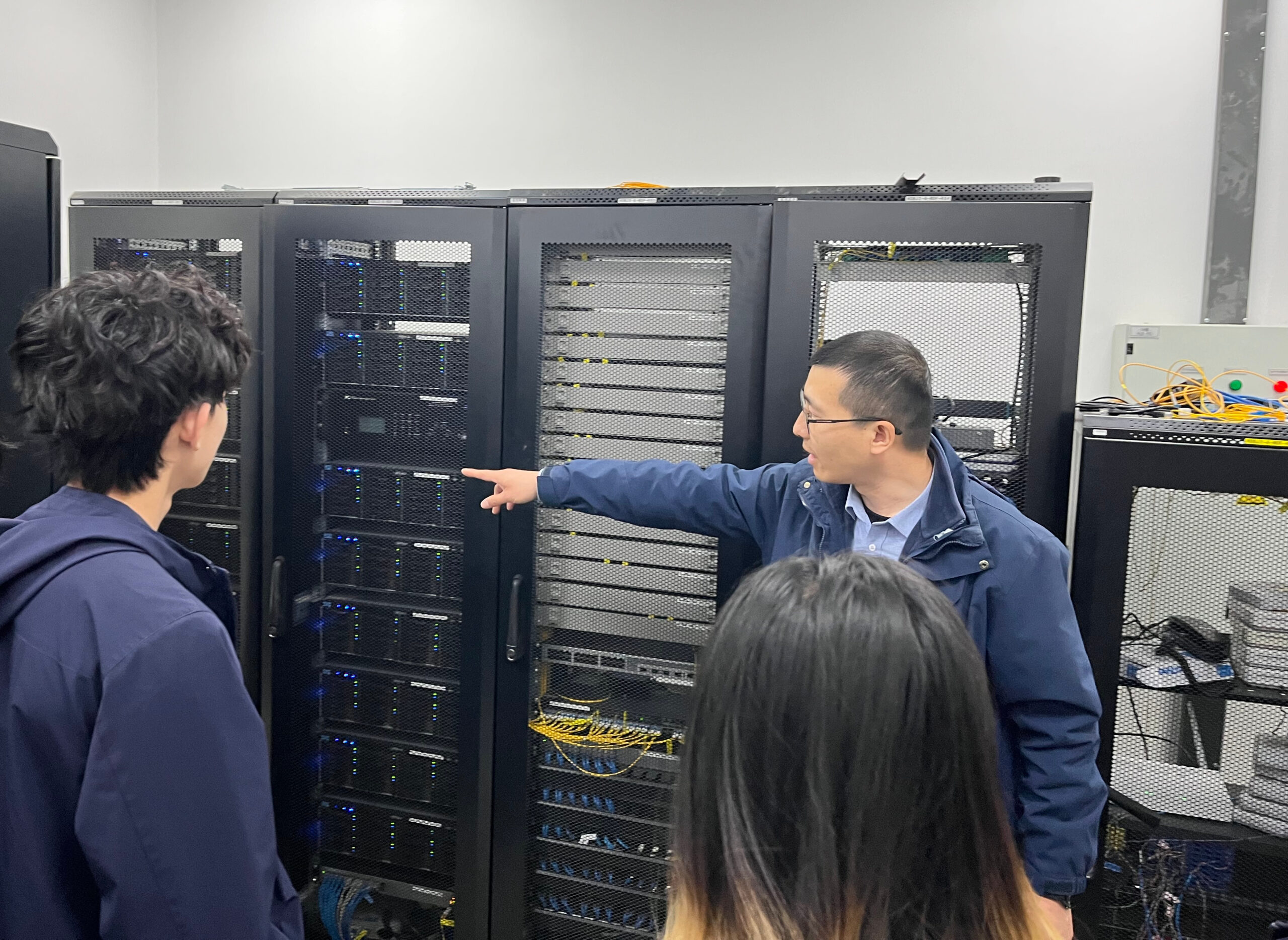
Grade 9 ICT – Computer Networks in Action
In our Grade 9 ICT Computer Networks unit, students moved beyond theory and explored how networks work in the real world through a hands-on and highly engaging practical experience. Building Ethernet Cables One of the highlights of the unit was a practical lesson where students learned how to create their own Ethernet cables. Using professional…
-
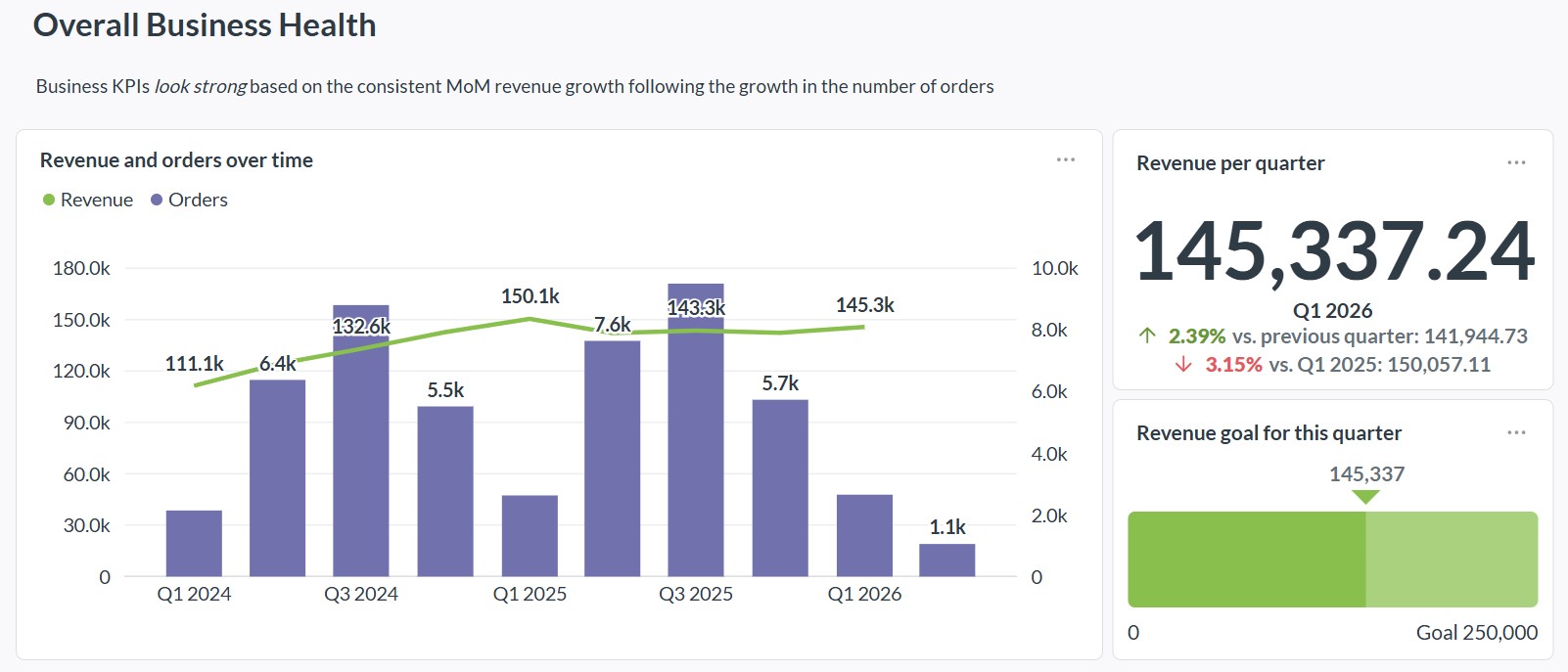
Using Metabase for School Data Analysis
In modern education, data plays a key role in improving teaching, tracking student progress, and making informed decisions. In our educational VPS platform, we use Metabase through data.vertedor.com to bring together information from different systems and turn it into clear, useful insights. Metabase is an open-source business intelligence tool that allows users to explore data,…
-
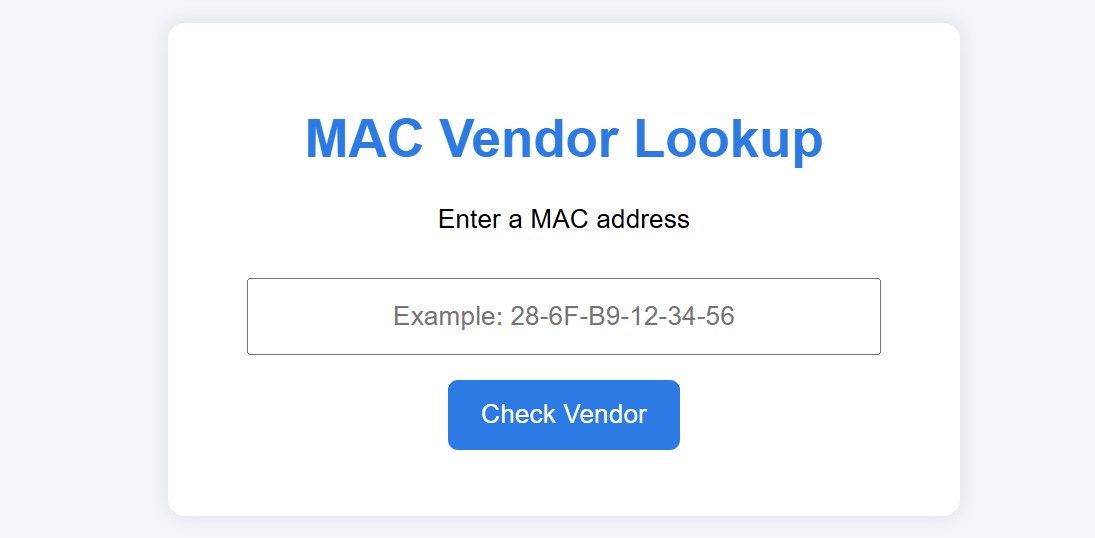
Interactive MAC Address Lookup Tool for My Students
As part of my computer networking lessons, I’ve developed a practical, interactive tool that helps students explore MAC addresses and understand how they identify devices on a network. Students can now use this tool directly in Moodle at: https://www.vertedor.com/resources/maclookup. Why I Created This ToolTeaching networking concepts can sometimes be abstract – for example, explaining MAC…
-
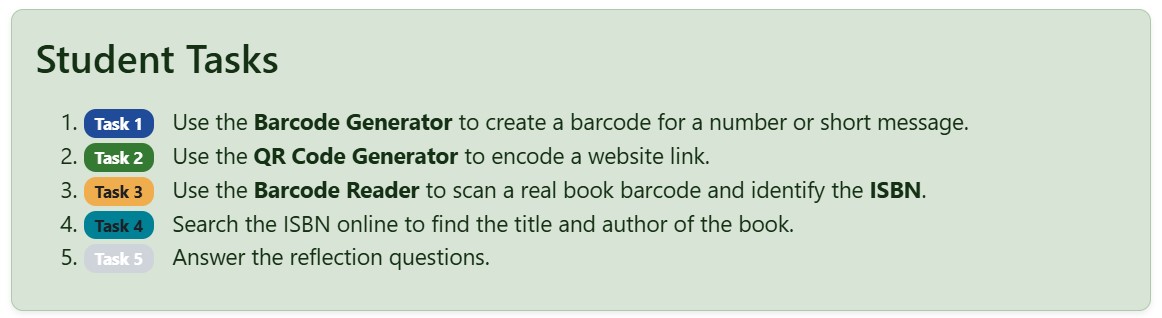
Creating and Hosting Your Own Web Tools for Teaching
One of the advantages of running your own server is the possibility of creating and hosting custom web tools tailored to your lessons. Instead of depending on many external websites, teachers can build a collection of tools that are always available in one place and designed specifically for classroom use. These tools can support many…
-
Making Moodle Pages More Engaging with Bootstrap
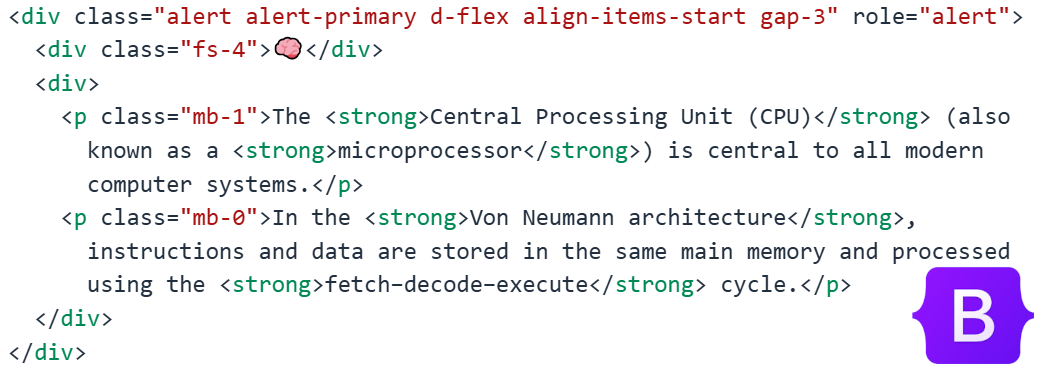
Moodle pages are a simple and effective way to present learning materials, but by default they can sometimes look quite plain. One way to make course content more visually engaging and easier for students to follow is by using Bootstrap components within Moodle pages. Bootstrap is a popular front-end framework that provides ready-made design elements…
-
Using Groups in Moodle for Differentiation
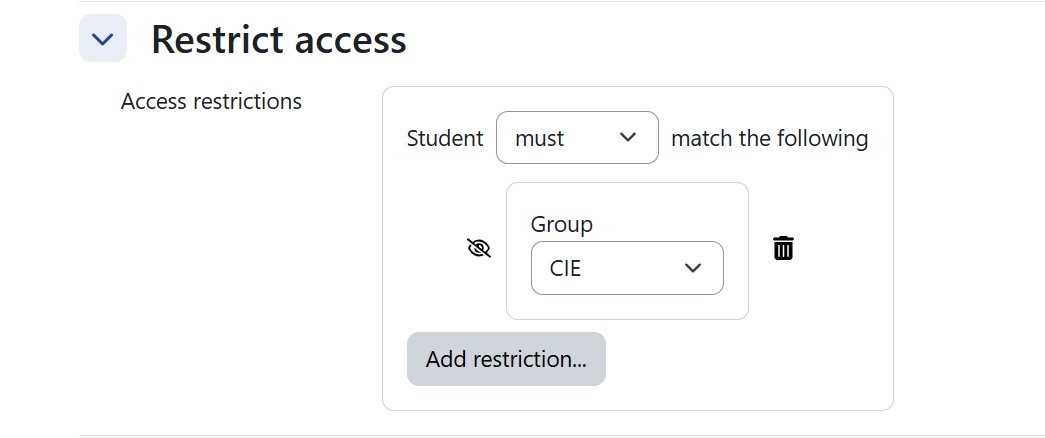
One of the most powerful but often underused features in Moodle is the ability to use groups to support differentiated instruction. By assigning students to different groups, teachers can control which content and activities are visible to each learner. This makes it possible to tailor the learning experience while keeping everything organized within a single…
-
Unit 3 Hardware
In IGCSE Computer Science Unit 3 (Hardware), students learn how the physical components of a computer system work together to process data and run software. They study the role of key internal parts such as the CPU, memory (RAM and ROM), and storage devices, as well as input and output devices and how each is…