
I recently built a small web-based biometrics lab to help students understand how modern authentication systems work in a practical and engaging way. Many online tools that demonstrate biometrics require users to register or share personal data, which is not ideal in an educational environment. By hosting my own tools, I can provide fast access while also protecting students’ privacy and keeping everything contained within a controlled environment.
The goal was to create simple, interactive demos that run directly in the browser using the device camera. This removes the need for installations, accounts, or external services. Students can immediately explore how biometric systems work and see the results in real time, which makes the learning experience much more concrete.
The biometrics lab includes several focused activities. The Body Wireframe demo tracks body movement and builds a skeleton using detected landmarks. It also shows a motion trail so students can observe how their body moves over time, which links nicely to the concept of gait recognition.
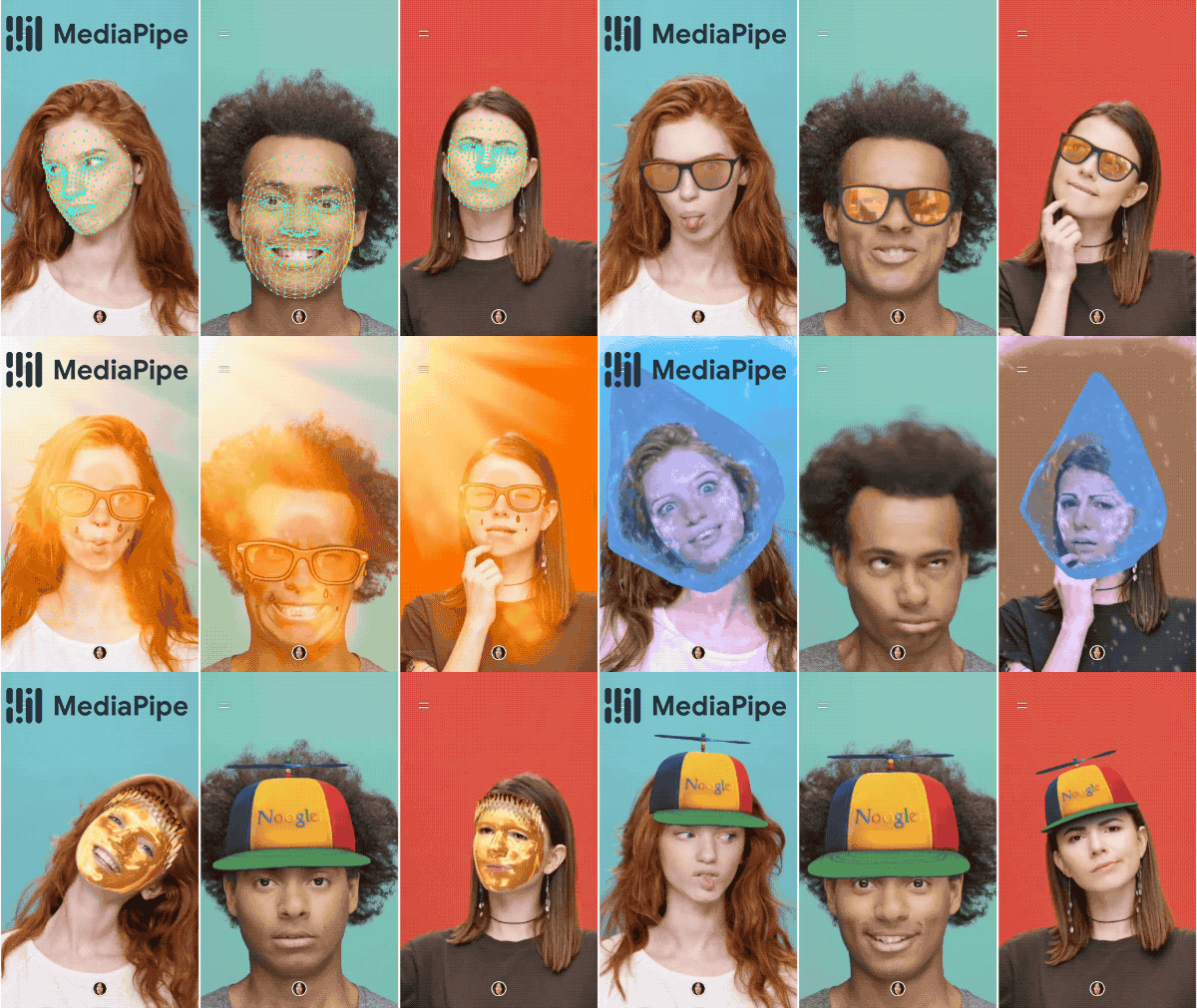
The Face Mesh demo highlights facial landmarks using artificial intelligence. It overlays a mesh of key points on the face and updates them in real time. This helps students understand how systems recognise facial structure rather than just images.
The Eye Tracking demo focuses on gaze direction. It tracks eye landmarks and estimates where the user is looking based on iris position. This is a great way to introduce more advanced biometric techniques and discuss how subtle movements can be analysed.
The Face Stats demo estimates age, emotion, and gender using AI models running in the browser. While the results are not always accurate, this actually opens the door to valuable discussions about the limitations of artificial intelligence, model training, and bias.
To build these tools, I used MediaPipe for body tracking, face mesh, and eye tracking because it is fast, lightweight, and works well in real time. For the face analysis features, I used face-api.js together with TensorFlow.js to run machine learning models directly in the browser.
Creating a self-hosted biometrics lab has been a very effective way to balance accessibility, performance, and privacy. Students can experiment freely without worrying about their data being stored or shared, and teachers can integrate the tools directly into lessons or learning platforms.
Try the Biometrics Lab
Tip: Allow camera access when prompted. If it doesn’t load, open the biometrics lab in a new tab .