
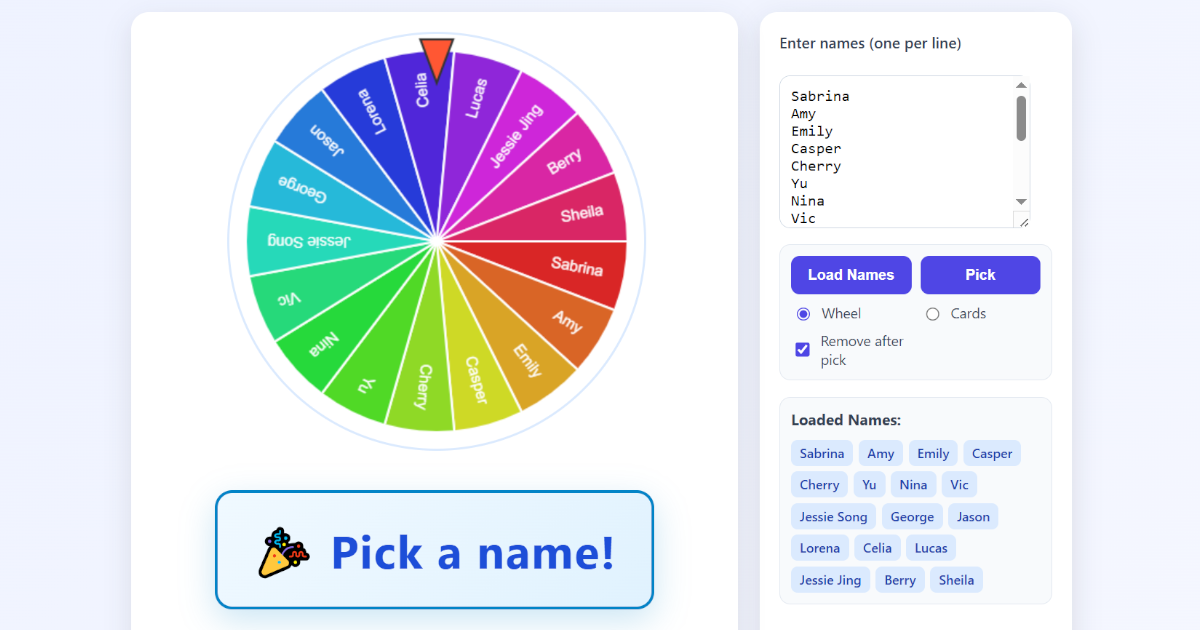
In many classrooms, choosing a student at random is a simple but powerful way to keep everyone engaged. Instead of using external tools, I decided to build a fully client-side random name picker using HTML, CSS, and JavaScript.
The result is a lightweight web app that runs entirely in the browser, supports both a spinning wheel and card flip mode, and includes sound effects for a more interactive experience. Visit my random name picker at https://www.vertedor.com/resources/random-picker/.
What the App Does
This random name picker includes:
- A textbox where you can paste names (one per line)
- A “Load Names” button to initialize the list
- A “Pick” button to select a random name
- A checkbox to remove names after they are selected
- Two modes:
- Wheel (spinning picker)
- Cards (flip animation)
- Sound effects for spinning, flipping, and selection
Everything runs locally in the browser with no backend required.
Why Build It Yourself?
There are many online tools available, but building your own offers several advantages:
- Full control over features and design
- No ads or distractions for students
- Offline capability
- Easy integration into your own teaching platform, such as Moodle
It is also a practical project for students learning JavaScript.
Technologies Used
The app is built with standard web technologies:
- HTML for structure
- CSS for layout and animations
- JavaScript for logic
Wheel Mode
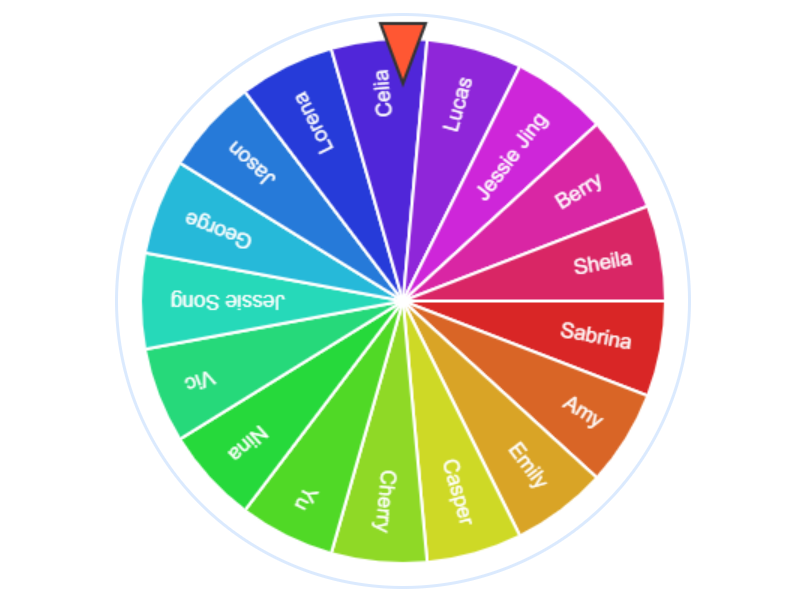
In wheel mode, each name becomes a segment. When the user clicks “Pick,” the wheel spins and gradually slows down until it lands on a randomly selected name.
This approach adds anticipation and works well in a classroom environment.
Card Mode
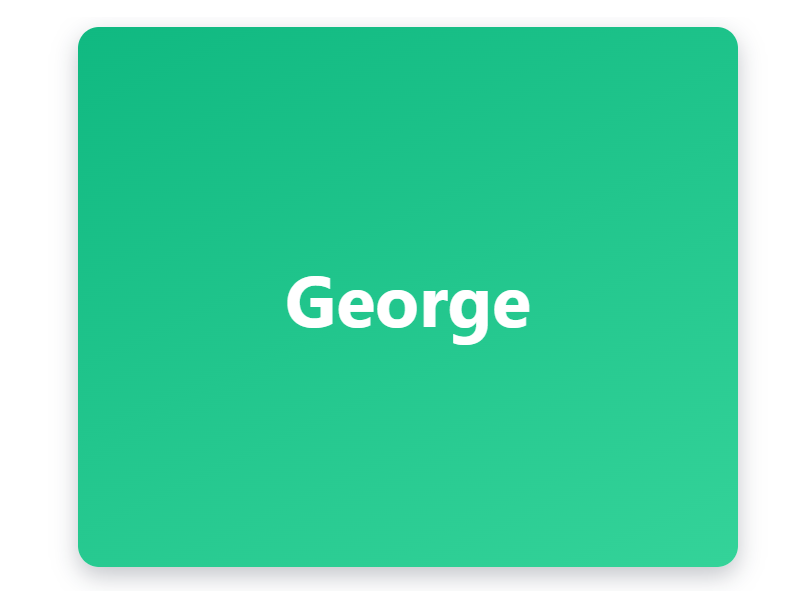
In card mode, the app uses a simple flip animation. When a name is selected:
- The card flips
- A sound plays
- The selected name is displayed
This mode is faster and suitable for quick selections.
Adding Sound Effects
Sound contributes significantly to the overall user experience.
The app includes:
- A looping sound while the wheel spins
- A flip sound for card mode
- A sound when a name is selected
Using Howler.js ensures consistent playback across browsers and devices.
Remove After Pick
An optional feature allows names to be removed after selection. This ensures:
- No duplicate selections
- Fair participation
- Clear tracking of selected students
Final Thoughts
This project demonstrates how a simple idea can be turned into a practical and engaging classroom tool using basic web technologies.
It is fast, flexible, and easy to customize, making it suitable for both teaching and learning purposes. It can also serve as a useful example project for students working with user interfaces, event handling, and JavaScript logic.
Visit my random name picker at https://www.vertedor.com/resources/random-picker/.