
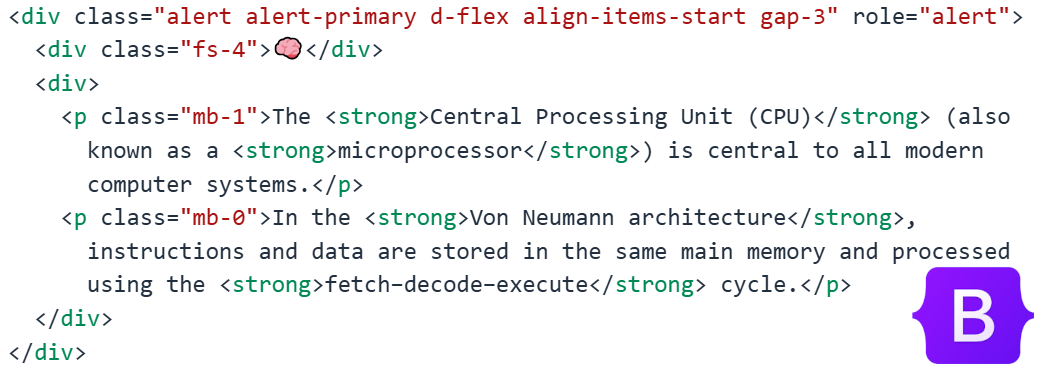
Moodle pages are a simple and effective way to present learning materials, but by default they can sometimes look quite plain. One way to make course content more visually engaging and easier for students to follow is by using Bootstrap components within Moodle pages.
Bootstrap is a popular front-end framework that provides ready-made design elements such as cards, buttons, alerts, grids, and responsive layouts. Since many Moodle themes already include Bootstrap, teachers can often use these components directly in the HTML editor when creating a page.
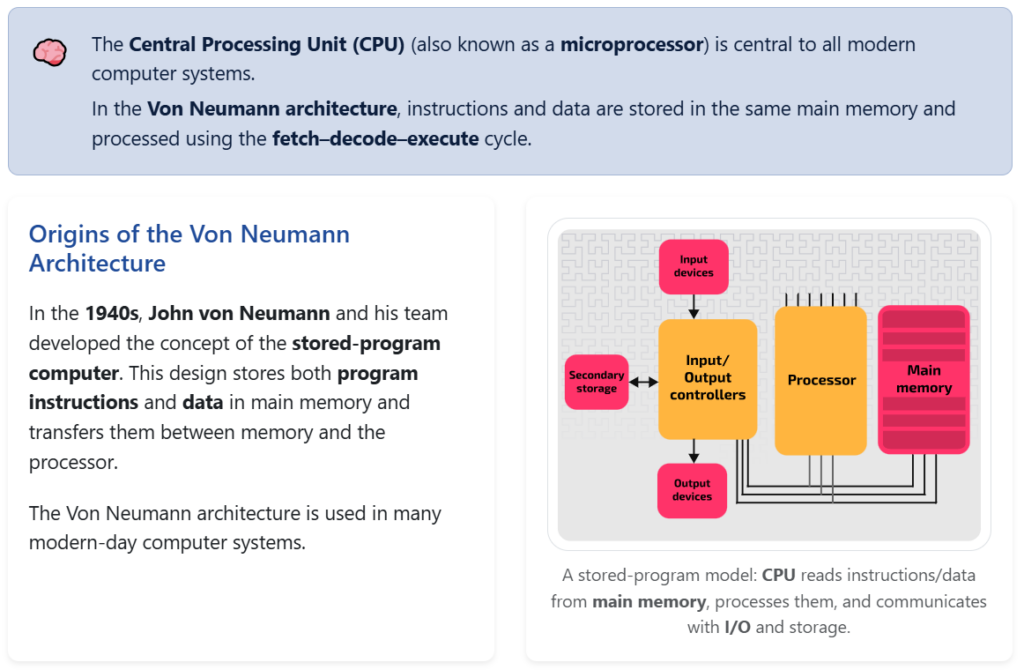
Improving Layout and Readability
Bootstrap’s grid system allows teachers to organize content into columns and sections. Instead of presenting a long block of text, information can be structured into clear sections with headings, highlights, and visual separation. This helps students quickly identify key ideas and navigate the material more efficiently.
For example, teachers can:
- Place definitions or key terms inside highlighted boxes
- Organize explanations and examples in two-column layouts
- Use alert boxes to emphasize important notes or warnings
This structure improves readability and makes the page feel more like a modern website rather than a traditional document.
Using Cards for Learning Activities
Bootstrap cards are particularly useful for presenting activities or tasks. Each card can contain a short description, an icon or image, and a clear instruction for students. This works well for:
- Step-by-step activities
- Learning stations
- Task lists or mini challenges
Students often respond better to visually separated tasks because the information feels clearer and less overwhelming.
Adding Visual Feedback
Bootstrap also provides components such as buttons, badges, and colored alerts that help guide student attention. For example:
- A green alert box can highlight a completed example
- A yellow alert can mark a student task
- A red alert can warn about common mistakes
These small visual cues help students understand the structure of the lesson without needing long explanations.
A More Interactive Learning Experience
By combining Bootstrap components with Moodle pages, teachers can transform simple text-based content into structured, visually engaging learning materials. This approach makes instructions clearer, reduces cognitive overload, and encourages students to interact more actively with the content.
With only a small amount of HTML and reusable templates, Bootstrap can significantly improve the clarity, organization, and engagement of Moodle course pages.